
Name-Based Case Searches
Portal Smart Search is where a name-based Moore County docket search usually begins. It looks through public trial-court records by party identifier. Type a name or case number, then submit. The search also catches aliases tied to a case. Common names get easier when you narrow things down. Add the Moore County location filter, or filter by case type, status, date range, or a date of birth where that fits. One caution applies: the public date of birth hides the month and day, so it cannot validate an SSN.
- Open the North Carolina eCourts Portal and choose Smart Search.
- Enter a party name as the basic criterion. Use the record's spelling rather than guessing at a charge or outcome.
- Add the Moore County location filter or a case type, status, or filing-date filter to narrow a broad statewide result.
- Check the case number, parties, and status in the returned row before opening the underlined case number.
- Open the Register of Actions, then use Search Hearings separately if a current date is needed.
| Field label | Type | Required | Moore County use |
|---|---|---|---|
| Basic Search Criteria | Text | Yes, one criterion | Use case number or party name; valid wildcards are supported. |
| Search Type | Advanced dropdown | For nondefault methods | Includes party, business, citation, attorney, bar number, cross-reference, and nickname searches. |
| Location | Advanced dropdown | No | Select Moore County to narrow statewide results; it cannot stand alone. |
| Case Filing Date Range | Date range | No | Use when a reasonable filing window is known. |
Moore County Docket Search SMART SEARCH
Smart Search costs nothing and works anonymously. Think of it as the public lookup layer for Enterprise Justice, the system serving Moore County and every other North Carolina county. The official Portal training resources confirm it. Anyone can search public Moore County case information and documents without registering. One limit matters here. Portal only lets you view court information. Filing happens separately through File & Serve or Guide & File.
Registering does let you pin a publicly accessible case to My Cases. No confidential material becomes visible that way. Advanced filters can help sort a long list of results. Even so, the official guidance favors the basic party-name or case-number route over assuming the Advanced Party Name filter catches every useful match. Keep the basic criterion in place whenever you layer on extra filters.
The official Portal training source walks through the public search functions. A Moore County docket search relies on them.
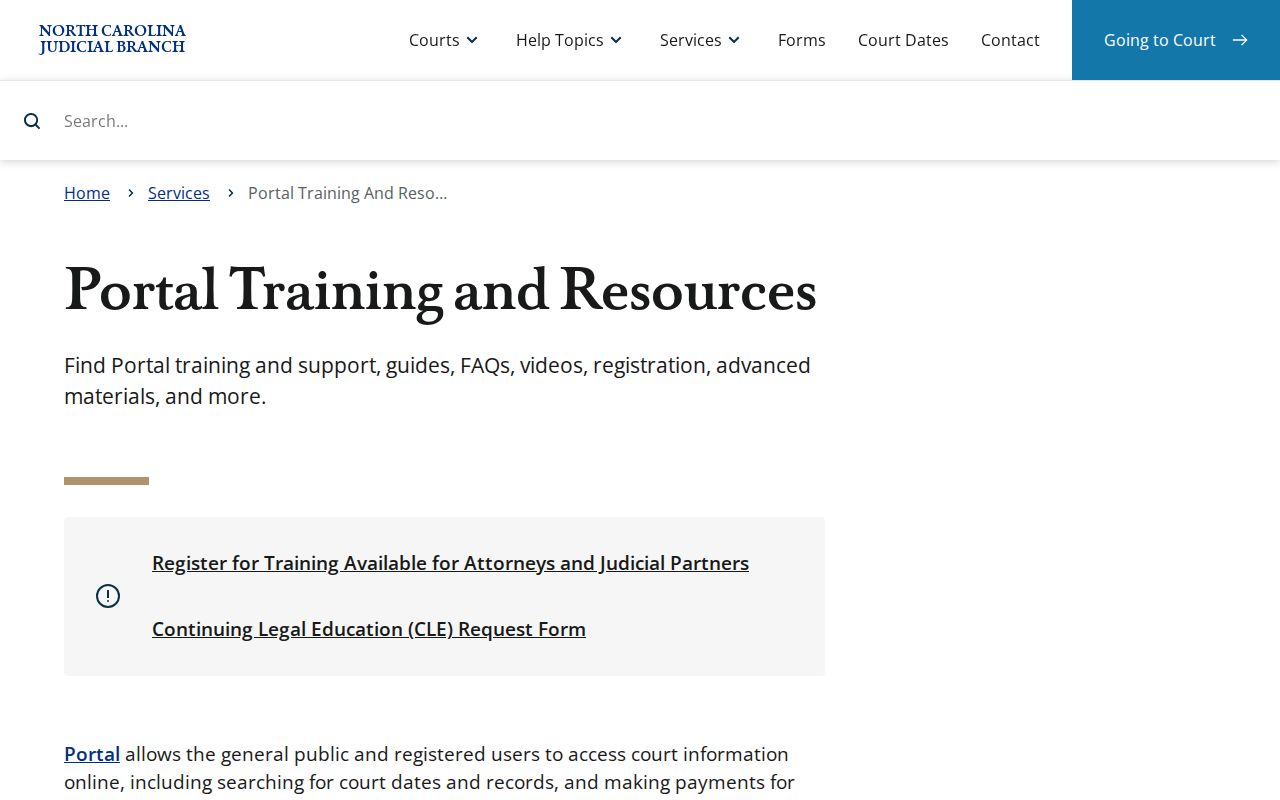
Portal handles public viewing only. A filed document or a certified copy still runs through the Clerk of Superior Court.
Case Number Searches
A full Enterprise Justice case number has four parts. The year comes first as two digits. Letters come next, marking the case type. Then comes a six-digit sequence and finally a three-digit county identifier. Moore County's identifier is 620. A format-only illustration is 26CR000001-620. Copy the letters straight from Portal instead of guessing, since the official guide publishes no Moore-specific short-code legend.
A notice or court contact may give you the exact record number. Then a Moore County number search is often the fastest route. No result? Recheck the year, the type letters, the sequence, and the county code. A case can also be restricted, held on historical paper, or misidentified. A Moore County file may not surface online. The clerk is the right fallback then.
Note: The sample case number shows format only and does not identify an actual Moore County case or any party.
Moore County Docket Search Case Codes
The parts of a Moore County case number help steer a docket search. They never replace the case's actual record. Two opening digits give the year. The letters mark the court system's case type, the next six digits form the sequence number, and the final three digits name the county. Enter the full number whenever you have it. Portal guidance does allow a wildcard for a partial number, but only after at least four case-number characters.
- Register of Actions
- Portal's chronological court record, also called a Case Summary, showing case information and docketable events.
- Case number
- The stable court identifier combining year, case type letters, sequence number, and county identifier.
- Case event
- A dated procedural action recorded in the chronological case history.
- Disposition
- The result or status category shown for a case, such as a dismissal, judgment, or trial outcome.
Let the case-type letters guide the search. They are no substitute for reading the full event description, the parties, assignment information, and current status.
Case Search Results Explained
Click the underlined case number. That opens the public Moore County Register of Actions or Case Summary. What may you find inside? Case information, assignment information, parties, case events, hearings, dispositions, financial information when applicable, and public documents. Civil, family, probate, and mental-health records can add Causes of Action too. One practical wrinkle. A public document shows up only after upload. Portal downloads documents one at a time.
| Case Number | The Enterprise Justice identifier, such as the format-only 26CR000001-620. |
|---|---|
| Parties and Style | Identifies the parties and their roles in the case, including a formal caption where applicable. |
| Assignment | Shows court or judicial-assignment information when it has been entered. |
| Case Events | The chronological Register of Actions entries, including docketable procedural actions. |
| Hearings and Status | Shows hearing information and status or disposition context when data is available; Search Hearings is used for the current schedule. |
A blank or missing module does not mean the court record is incomplete. Portal shows some modules only when information exists to fill them.
Note: Open the case number before trusting a result row, since names and search results can overlap.
Moore County Docket Search Case Summary
Clicking the underlined number is the key step. It turns a Moore County docket search from a result list into the actual Moore County case record. Start with the Case Information and parties. Then read the Case Events in date order. When a hearing date matters, look further. Compare the event history against the Hearings module and the Search Hearings tool. Financial information may appear when applicable, yet it stands in for neither the full case record nor an official clerk copy.
Portal can display a warrant or order-for-arrest event history, covering issue, return served or unserved, reset-to-unserved, and recall. These are procedural events, nothing more. Read them in sequence alongside the current case status rather than treating them as a shortcut to a legal conclusion. The official File & Serve service is a separate tool from the public Case Summary.
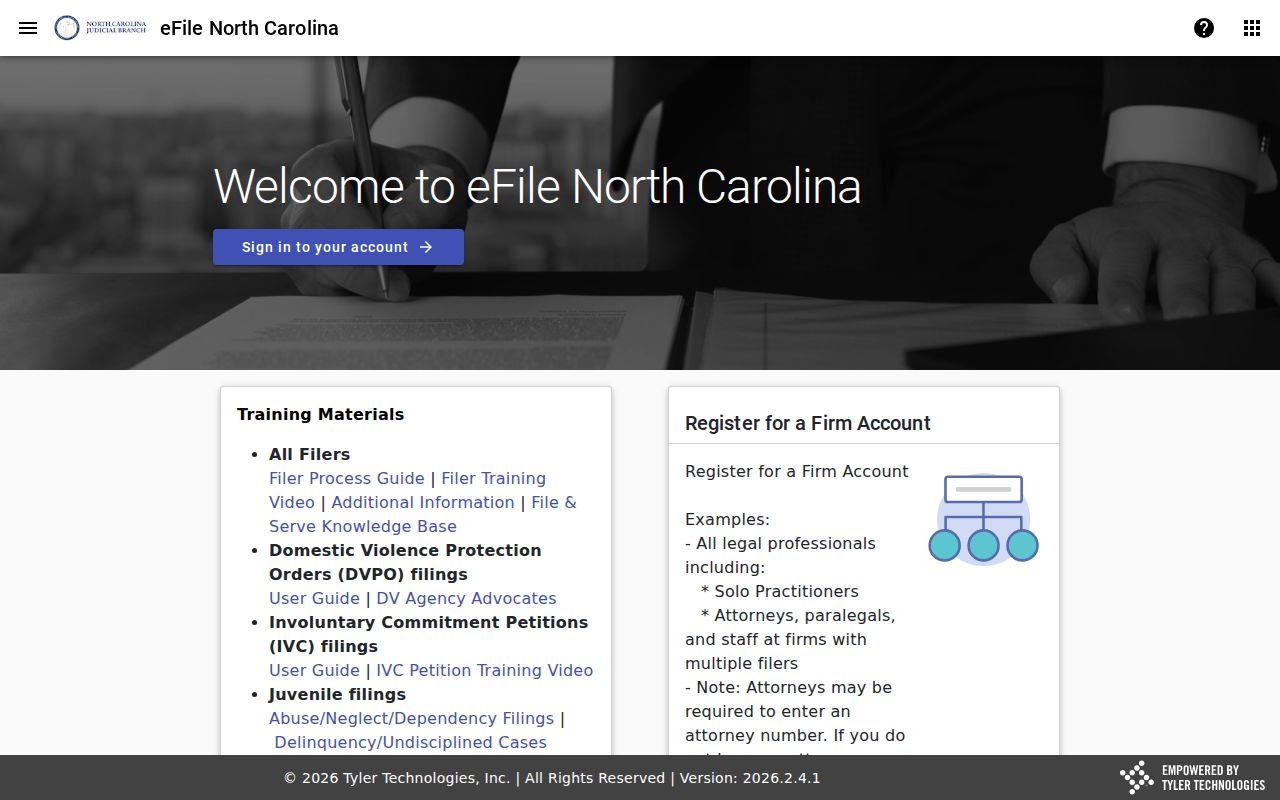
File & Serve requires an authenticated filing account, whereas public Portal viewing does not.
Two Ways to Search: County and State
Moore County has no separate public docket portal of its own. Portal is the statewide system. A location filter inside it narrows results to Moore County cases. Need a public terminal, a paper case file, a certified copy, or material beyond ordinary Portal viewing? The Moore Clerk is the county-level channel. The two routes work together rather than compete. A Moore County court docket search can move between them.
| Portal statewide search | Moore County Clerk route |
|---|---|
| Searches public case information across North Carolina, with a Moore County filter. | Provides local access to the public terminal, paper file, and clerk-held case documents. |
| Opens the public Register of Actions, hearing information, and available public documents. | Supplies ordinary or certified copies when the clerk is the correct custodian. |
| Best for a name, case number, citation number, or current hearing search. | Best when a result is incomplete, historical, restricted, or needs official certification. |
Once the docket turns up a case, get an official copy through the clerk. Do not rely only on an image in Portal.
Moore County Docket Search Location Filter
Portal covers the whole state, so a name search can pull matches from many counties. That is where the Moore County location filter earns its keep. It counts as an advanced filter, though. It cannot stand alone. Enter a party name or case number first. Then layer on Moore County and, if helpful, case type, status, or a filing-date range. The filter alone will not search the court database.
Narrowing by county does not tell you which trial division has the case. Read the assignment, the case type, and the listed events. Felonies and larger civil matters generally sit in Moore County Superior Court. Misdemeanors, infractions, family cases, and civil claims at or below the statutory division threshold belong to Moore County District Court.
Note: The location filter narrows a statewide docket search. Pair it with a party name, case number, or another basic criterion.
Moore County Docket Search Judgment Index
NC Judgment Search is a separate Portal function. It is an index rather than a stand-in for Smart Search. Enter a party name in last-name, first-name order or a case number, and it returns public Moore County judgment-index results. Each result can carry the case number, disposition status, index date and time, parties, and judgment comments. Want the chronological Register of Actions instead? Go back to Smart Search.
Make Payments is a third Portal tool. It handles card payments on eligible outstanding criminal or infraction balances. Not every citation qualifies. It never replaces a required court appearance. A payment tool and a judgment index simply answer different questions than a case-summary search.
Note: A judgment-index hit is an index result. The Register of Actions supplies the fuller court-event history.
Which Cases Stay Restricted
Portal offers public, nonconfidential case information and public documents. Those documents must be uploaded to Enterprise Justice first. Sealed or confidential cases stay off limits. Juvenile records, unreturned criminal warrants, and protected-order material are restricted categories described in official guidance. Even a public document may hold confidential information that gets redacted before access is provided.
Under G.S. 7B-3000, juvenile records are withheld from public inspection. The statute or a court order must permit otherwise. A sealed or expunged record will not appear in Portal. The Moore Clerk can walk you through an access question. The clerk cannot disclose material protected by law or court order.
Note: A missing Portal result can reflect a restriction or a file-history issue. Do not read it as a legal conclusion.
Moore County Docket Search Name Wildcards
Wildcards help with partial names, but Portal sets a minimum pattern. The last name needs at least three characters. An asterisk goes after them. The first name needs at least one character, plus an asterisk. Business names are searchable through Advanced Filters and the Business Name search type. Official guidance cautions against treating the advanced Party Name filter as the preferred route for an ordinary name search.
Search with restraint first. A broad pattern can return a long statewide list. A spelling that is too narrow can miss a name variation. Begin with the basic party-name search. Add the Moore County filter. Then inspect the parties and case numbers that come back. Portal cannot print a no-result message. Such a message would not be an official statement that no record exists.
The official File & Serve training source shows the separate filing service. It sits alongside public case access, not inside it.
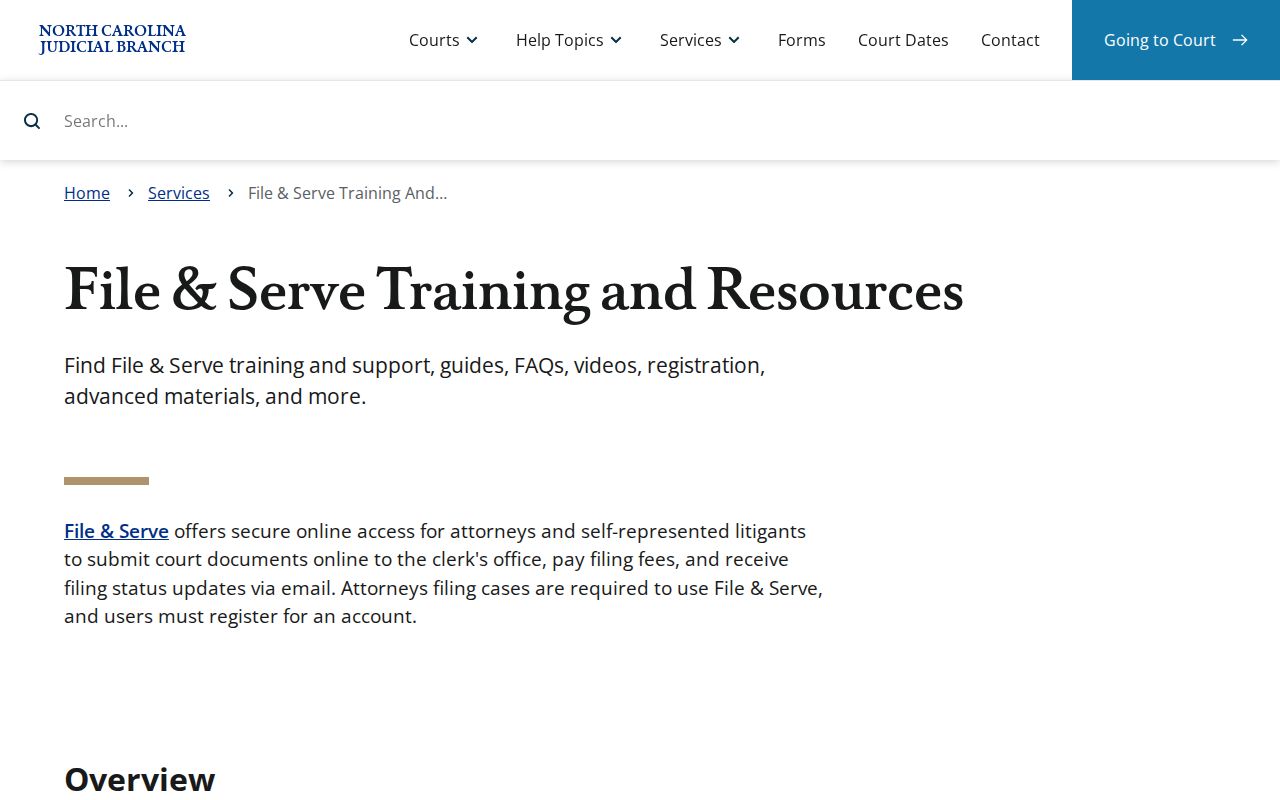
That filing platform has its own role, apart from a public name or case-number search in Portal.
Moore County Docket Search Terminal
A no-result search has a local fallback. The Moore County courthouse public self-service terminal reaches Portal. It also reaches public case-file information inside the clerk's office. State guidance says the terminal can search criminal matters by defendant name, case number, or victim or witness name. It also supports civil, special proceeding, and estates access. Printing and scanning are available too. Public paper files may be available through the same clerk office.
When an online docket search fails, work in order. First check the name or number format and any possible restriction. Then look at the current hearing. After that, call the Clerk of Superior Court at (910) 722-5000 or visit the terminal. Ask the clerk about an older paper file or how to get a copy. That is the correct public access chain when Portal does not produce a usable result.
The public-access kiosk guide identifies Portal and related Judicial Branch functions. They are available through the clerk-office kiosk.
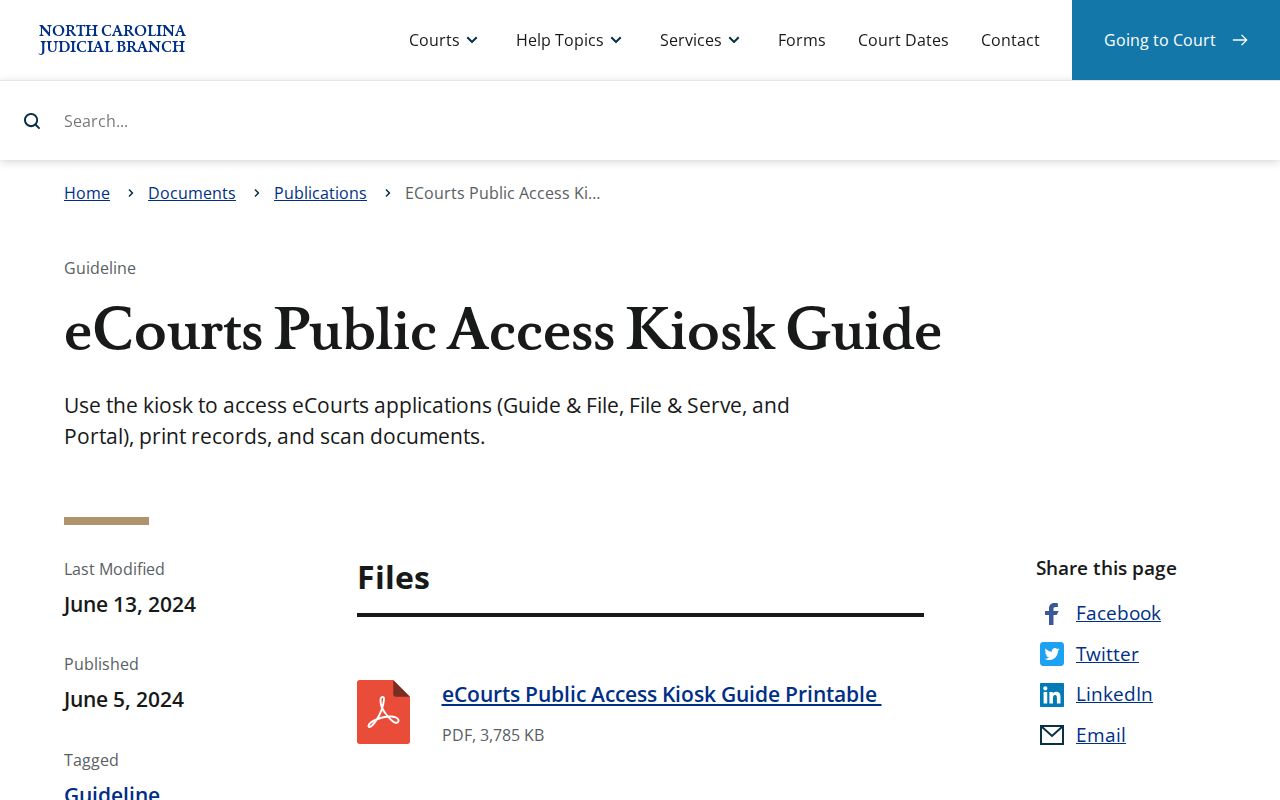
The Moore County clerk's public terminal offers an official in-person way to search court dockets and pull paper files.
Moore County Docket Search Migration
Moore County made the jump to eCourts Enterprise Justice on October 14, 2024. The rest of the state followed. North Carolina finished converting all 100 counties by October 13, 2025. Public access through Portal now pulls in legacy data converted from older systems. Those systems include ACIS, VCAP, OCAP, CCIS, and PayNCTicket. Still, official guidance warns that historical paper files may sit with the clerk. A Moore County docket search on Portal may not be the whole story for older cases.
Migration quirks show up on older docket entries. An event recorded before the Enterprise Justice go-live may display a 12:00 a.m. timestamp. That hour is a conversion convention. It is not a literal time of day. County history adds one more reason to check with the clerk about early records. A courthouse fire in 1889 destroyed county records. The county history does not establish that every court file burned. For anything that old, the clerk of court is the surest source.
Portal covers the everyday case lookup. The official Remote Public Access Program page describes separate licensed and bulk-data options. Those sit apart from ordinary public Portal searching. They do not replace it.
For a daily Moore County docket search, Portal stays the center of the action. The Moore Clerk remains the fallback whenever paper or certified court records are what you need.